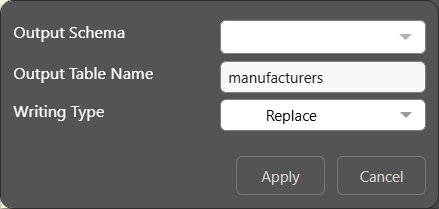
This option applies to the following targets: SQL Server, SQL Server Azure, PostgreSQL, SAP HANA, DB2, Redshift, and Snowflake.
Set Schema
Unless you specify otherwise, Pyramid will connect to the database's default schema. You can set a custom schema by clicking Set Schema from the Target Tables panel:
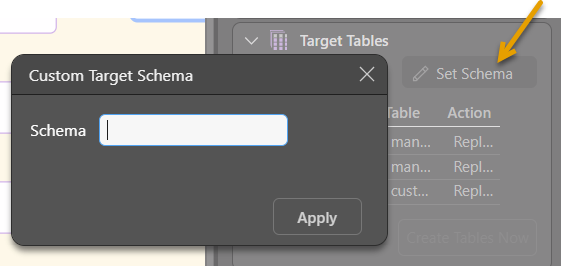
From the Custom Target Schema dialog, enter the required target schema.
Output Schema
You can also set a custom Output Schema for a given column in the Target Tables window.